Looking for an easy way to create a marriage biodata in Word? The video tutorials below can help you understand different ways to design and format a professional marriage biodata using Microsoft Word. Instead of going through a lengthy written tutorial, you can follow the videos step by step and create your own marriage biodata.
These tutorials cover different approaches to marriage biodata formats, designs and Word layouts. Watch the videos below and choose the style that best suits your requirements.
Marriage Biodata in Word – Video Tutorials
The following videos are useful references if you want to learn how to make a marriage biodata in Microsoft Word. Each tutorial can give you ideas for arranging personal details, photographs, family information, education, profession and other sections of a marriage biodata.
1. How to Create a Marriage Biodata in Word

This video is a useful starting point for anyone who wants to create a marriage biodata using Microsoft Word. Follow the visual instructions to understand how a biodata document can be structured and formatted.
2. Marriage Biodata Format and Design Tutorial
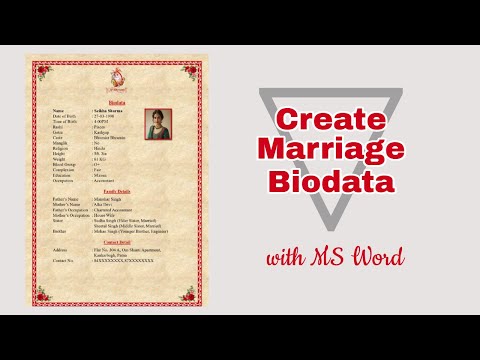
This tutorial provides another visual reference for creating a marriage biodata format. It can be helpful if you want to see how information and design elements can be arranged in a Word document.
3. How to Make a Marriage Biodata
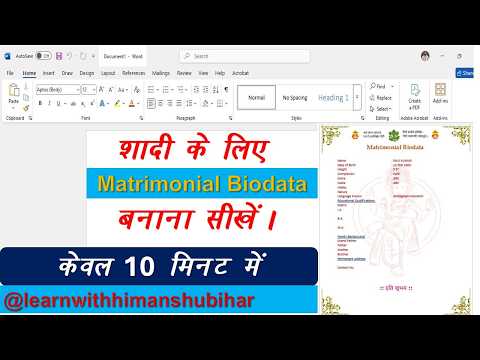
If you are preparing your first matrimonial profile, this video can provide a practical visual guide to making a marriage biodata. It can also help you understand how different sections can be presented in a clear format.
4. Marriage Biodata Format in Microsoft Word
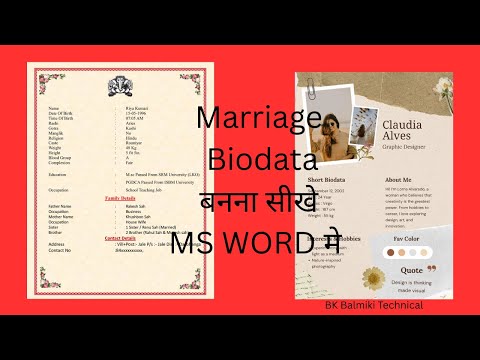
This video can be used as a reference for creating a marriage biodata format in Word. Watching a practical demonstration can make it easier to understand page layout, formatting and the overall presentation of a biodata.
5. Marriage Biodata Making Tutorial
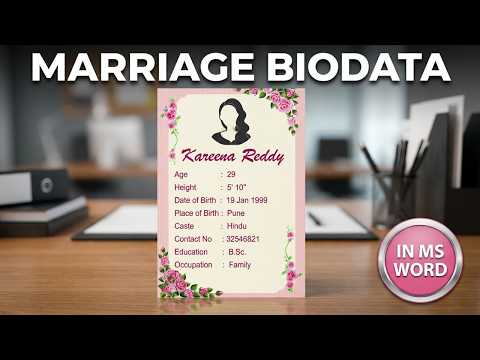
This tutorial is another resource for learning about marriage biodata creation. It can help you explore different presentation ideas and decide how you want your own biodata to look before creating the final document.
6. Marriage Biodata Design and Formatting
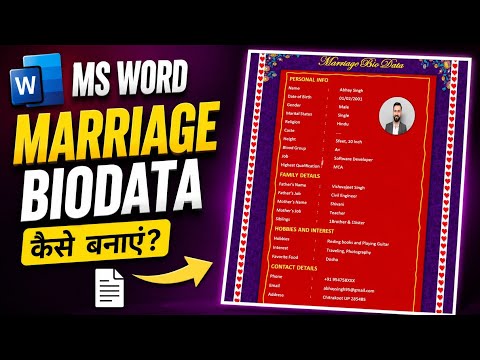
Use this video as an additional visual reference when working on your marriage biodata design. It can be useful for comparing different formatting approaches and developing a clean, presentable biodata.
What to Include in a Marriage Biodata?
While creating your biodata in Word, you may want to include basic personal details, education, profession, family information, hobbies, a photograph and partner preferences. Keep the information relevant and use a clean layout so that the biodata remains easy to read.
You can use the tutorials above to explore different marriage biodata formats and designs before creating your own version.
Tips for a Professional Marriage Biodata
- Use a clear and professional layout.
- Add a good-quality photograph.
- Keep personal and professional information accurate.
- Use consistent fonts and formatting.
- Avoid filling the page with unnecessary information.
- Proofread the biodata before sharing it.
- Save the final document as PDF if you want to preserve its formatting.
Frequently Asked Questions
Can I make a marriage biodata in Microsoft Word?
Yes. Microsoft Word can be used to create a marriage biodata with text, photographs, tables, headings, borders and other formatting options.
What is the best format for a marriage biodata?
There is no single format that everyone needs to follow. You can choose a simple, traditional or modern format depending on the information you want to present and your preferred design.
Can I add a photo to a marriage biodata in Word?
Yes. Word allows you to insert and resize photographs, making it easy to include a profile picture in your marriage biodata.
Conclusion
Creating a marriage biodata in Word becomes easier when you can follow a practical visual example. The six video tutorials on this page provide different references for creating, formatting and designing a marriage biodata. Watch the tutorials and use the ideas that best match your preferred marriage biodata format.